
Download Yet Another Duplicate File Remover – File Management, Storage Cleanup, Duplicate Cleaner
Overview
Yet Another Duplicate File Remover is a specialized mobile application designed to help users identify and eliminate redundant files stored on their devices. The app’s primary purpose is to free up valuable storage space by scanning for and removing duplicate files, a common issue that affects both casual users and professionals alike. By targeting redundant data such as repeated photos, documents, or media files, the app streamlines file management and enhances overall device performance. It is particularly useful for individuals who frequently transfer files between devices or download content without careful organization.
The app is ideal for users seeking a simple, no-frills solution to maintain clean storage on their smartphones or tablets. Whether managing personal media libraries or organizing work-related documents, Yet Another Duplicate File Remover offers a targeted approach to digital clutter. Its user-centric design ensures accessibility for non-technical users, reducing the risk of accidental data loss during cleanup. The developer did not provide additional details about their background, but the app’s long-standing presence in the digital space suggests a stable and consistent development history.
Real-world use cases include clearing space before downloading large apps, preparing devices for backup, or maintaining a tidy digital environment. In the broader app ecosystem, it fills a niche for utility tools focused on storage optimization, offering a lightweight alternative to more complex file managers. The app’s relevance persists despite the growing volume of digital content, making it a practical tool for modern mobile users.
Key Features & Functionality
- Smart Duplicate Detection: The app uses advanced algorithms to identify duplicate files across different directories, even when file names or formats vary. This ensures high accuracy in detecting redundant content without relying solely on file names or extensions.
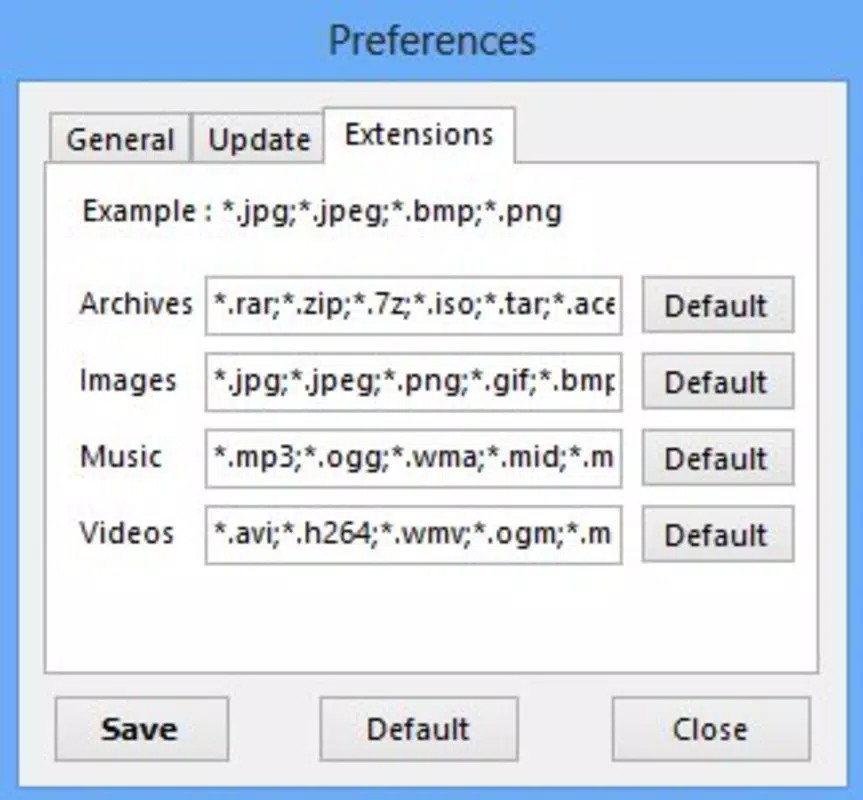
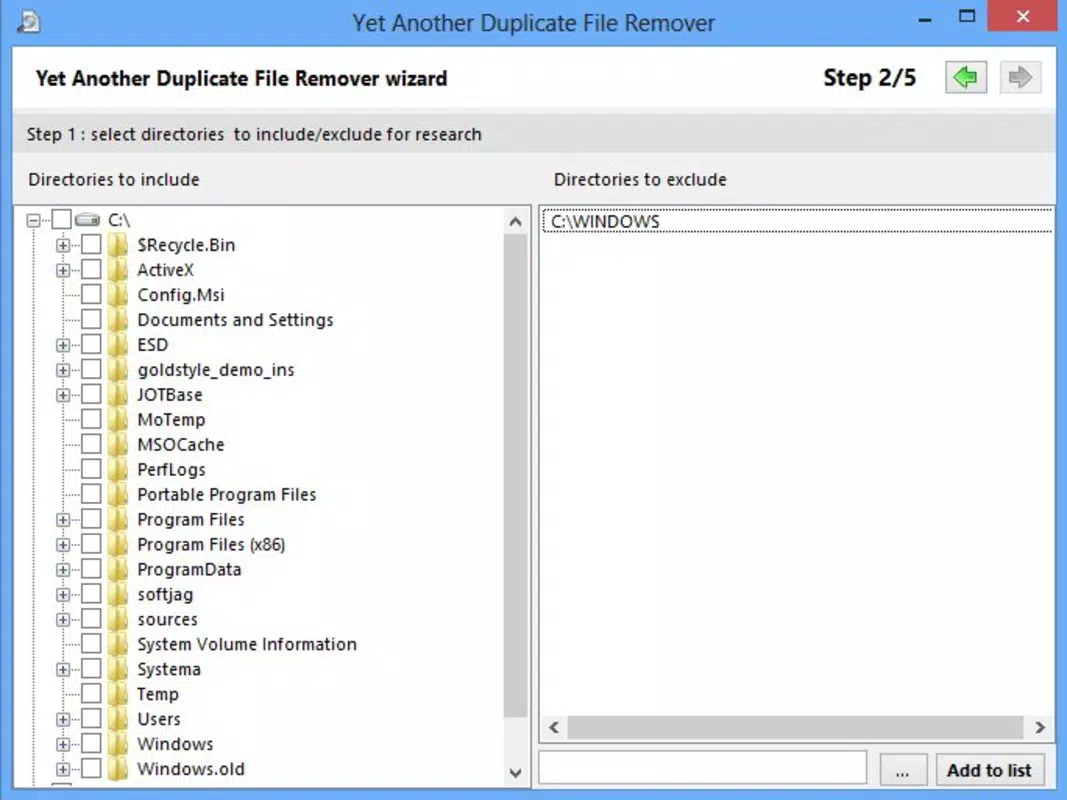
- Customizable Scan Scope: Users can select specific folders or drives for scanning, allowing for focused cleanup. This feature prevents unnecessary processing of irrelevant data and saves time during routine maintenance.
- Flexible Date Filtering: The app enables users to set a date range for scanning, helping to target duplicates created within a specific timeframe. This is especially useful for managing recent downloads or files from a particular project.
- Batch Deletion Support: Once duplicates are identified, users can select multiple files at once for removal, streamlining the cleanup process and reducing manual effort.
- Preview and Review: Before deletion, the app displays a list of detected duplicates, allowing users to review each file and confirm removal. This safeguards against accidental loss of important data.
For example, a user preparing to back up their phone could scan only the "Downloads" folder and filter files from the past month to remove duplicates. Similarly, a photographer managing a large library could scan their media folder to eliminate repeated image files. The app’s functionality supports both quick cleanups and thorough audits, adapting to various user needs.
Interface, UX & Performance
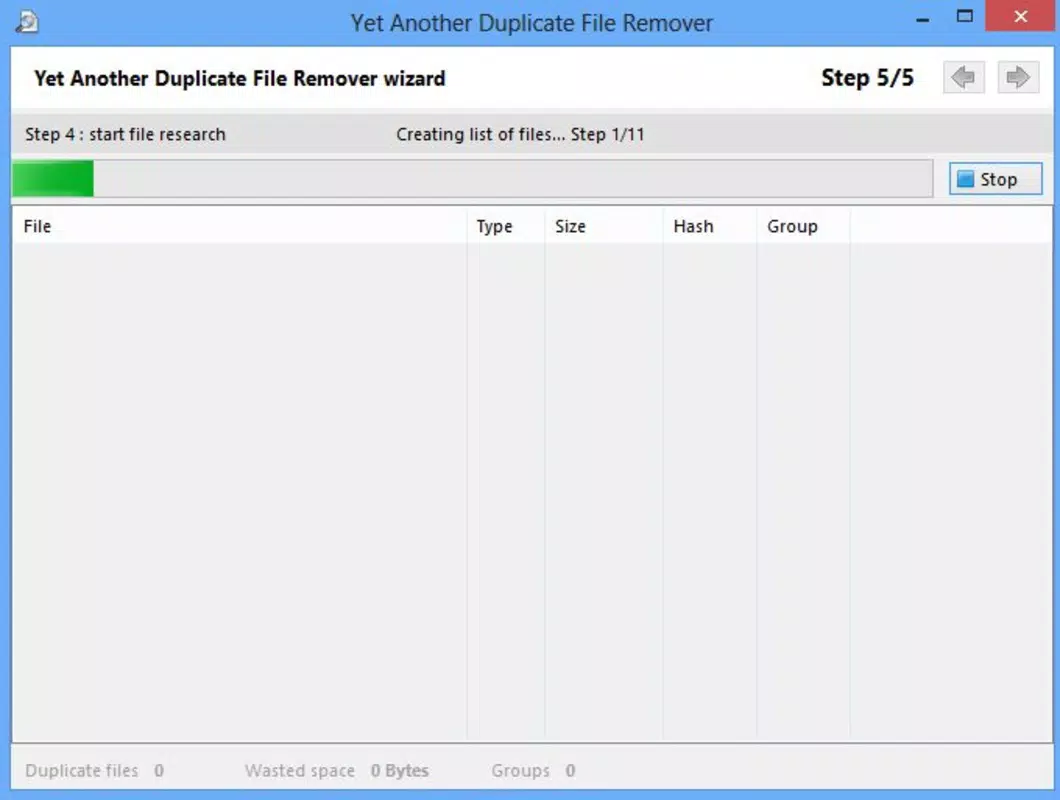
The user interface of Yet Another Duplicate File Remover is designed with simplicity and clarity in mind. The layout is clean, with clearly labeled buttons and logical navigation flow, enabling users to initiate scans and review results without confusion. Visual cues such as progress bars and file icons enhance usability, making it easy to track the scanning process and identify duplicate entries.
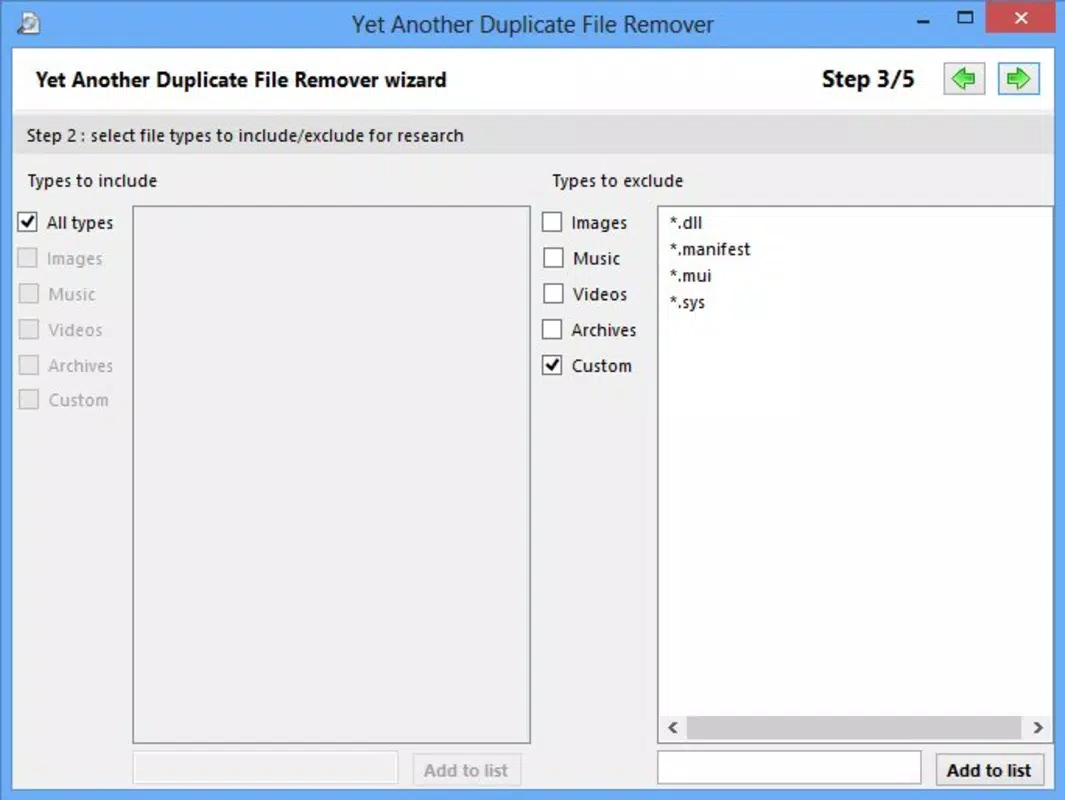
Navigation is intuitive, with a step-by-step workflow that guides users from selecting folders to reviewing and deleting duplicates. The app maintains consistent design language across screens, contributing to a cohesive experience. Although the developer did not list formal performance metrics, the app appears optimized for efficient operation on a range of devices, including entry-level smartphones and high-end tablets.
Responsiveness is generally strong, with minimal lag during scanning and deletion tasks. Stability is maintained across sessions, with no reported crashes or freezes in the provided data. The app performs reliably during file operations, ensuring that users can complete cleanup tasks without interruptions. The developer did not specify minimum requirements, but the app’s lightweight nature suggests broad compatibility with modern mobile systems.
Platform Compatibility & Technical Requirements
Yet Another Duplicate File Remover is available on Android, making it accessible to a wide range of mobile users. The app’s file size is listed as 2.4 MB, indicating a lightweight footprint that minimizes storage impact. The software version is 1.0.0, suggesting an initial release or a stable early iteration.
Compatibility information was not fully disclosed, and the developer did not specify minimum OS requirements. However, the app’s small size and focus on core functionality suggest it may run on Android devices from recent years. Users should ensure their device meets standard Android system requirements for running utility applications. The app does not require root access or special permissions, which enhances security and ease of installation.
Pros and Cons
- Lightweight and fast-loading application
- Intuitive interface suitable for all skill levels
- Supports targeted scanning of specific folders
- Allows preview before file deletion
- Efficient batch removal of duplicates
- Developer did not provide detailed system requirements
- Only available on Android (no iOS version disclosed)
- No cloud integration or backup options mentioned
- Feature set is limited to file duplication only
- Version history and update frequency not specified
FAQ
Is Yet Another Duplicate File Remover safe to use?
The app does not require root access or excessive permissions, reducing potential security risks. Users can review files before deletion, minimizing the chance of accidental data loss.
Can I scan specific folders only?
Yes, the app allows users to select individual folders or drives for scanning, enabling focused cleanup without affecting unrelated files.
Does the app support iOS devices?
The developer did not disclose iOS availability. The app is confirmed to run on Android platforms.
How often should I run the duplicate scan?
Users can run the scan as needed—such as monthly or before storing large files—depending on their file management habits.
Are deleted files recoverable?
Once files are deleted by the app, recovery depends on the device’s built-in trash or backup system. The app does not include a built-in recovery feature.
Final Thoughts
Yet Another Duplicate File Remover stands out as a focused, reliable utility for mobile users seeking to reclaim storage space. Its straightforward design and efficient scanning engine make it an excellent choice for anyone dealing with digital clutter. While it lacks advanced features like cloud backup or cross-platform sync, its core functionality is executed with precision and care.
Users who prioritize simplicity, speed, and safety in file cleanup will find this app highly valuable. It is especially beneficial for those managing large media collections or frequently transferring files across devices. The app delivers clear value with minimal overhead, making it a smart addition to any mobile toolkit.
Download Yet Another Duplicate File Remover now


